Exploring iOS Dark Mode in WebViewGold: Enhancing User Experience with Custom Status Bar Colors and Dynamic UI APIs

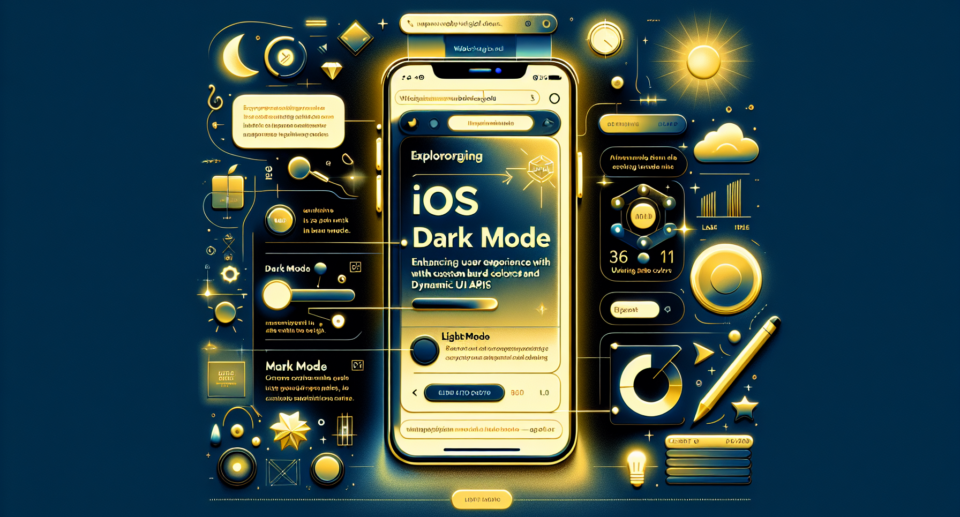
Introduction to iOS Dark Mode
In recent years, the demand for dark mode across various platforms and applications has surged, primarily due to its aesthetic appeal and decreased eye strain in low-light environments. Apple introduced Dark Mode with iOS 13, providing users with a sleek alternative theme that many have come to appreciate. For app developers, integrating dark mode is not just about keeping up with trends but also about enhancing overall user experience.
WebViewGold: Simplifying App Development
For those looking to transform their websites into mobile apps seamlessly, WebViewGold emerges as a quick and simple solution. This versatile tool effortlessly converts any existing website into a fully functional iOS app, accommodating all the necessary features including support for iOS’s native Dark Mode.
The Importance of Custom Status Bar Colors
When designing an app, every detail counts, and the status bar is no exception. In iOS Dark Mode, using the correct status bar color is crucial for maintaining a consistent and visually pleasing UI. With WebViewGold, developers can easily customize the status bar color to ensure it complements the app’s overall design aesthetics. This customization not only enhances visual coherence but also boosts user engagement by offering a polished and professional look.
Leveraging Dynamic UI APIs
Modern app development often involves integrating dynamic UI elements that respond to user inputs and system settings. iOS offers a range of dynamic UI APIs that facilitate the creation of responsive and adaptable interfaces. By using WebViewGold, developers can access these APIs, allowing their web apps to dynamically switch between light and dark modes, automatically adapting to the user’s settings. This dynamic adaptability is vital for offering a seamless experience that feels native to iOS users.
Boosting User Engagement
User experience is significantly enhanced when an app adheres to the user’s preferred system settings. Apps that fail to integrate dark mode can appear outdated and may even drive users away. WebViewGold ensures that your app adapts to iOS Dark Mode, aligning with user expectations and increasing the likelihood of prolonged app usage. The seamless transition between light and dark modes, coupled with tailored status bar colors, results in a user interface that is both intuitive and inviting.
Conclusion
Integrating iOS Dark Mode with custom status bar colors and dynamic UI adjustments can greatly elevate the user experience of your app. As app developers seek to create more engaging and user-friendly applications, tools like WebViewGold simplify the process, offering a straightforward approach to converting websites into apps while embracing the full range of iOS capabilities. By utilizing such robust solutions, developers can focus on delivering a superior app that resonates well with modern iOS users and aligns with current design standards.